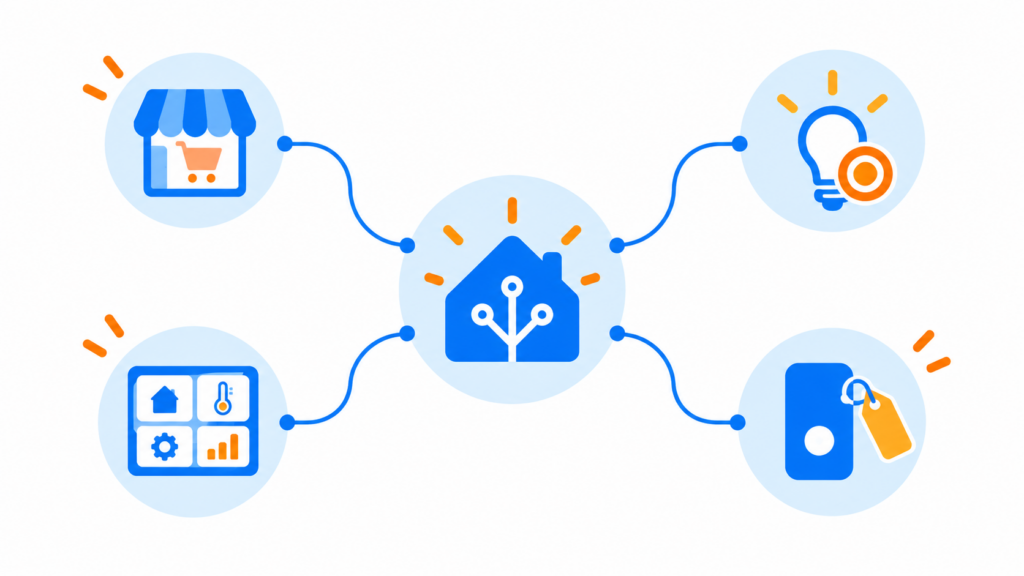
Home Assistant’s November beta changes how you discover community projects, select automation targets, build dashboards, and read entity names. Here are the changes most likely to affect a working home, and what to check before the stable release.
Beta status: As of November 1, 2026, 2026.11 is a beta. Home Assistant Core 2026.11.0b2 is a published prerelease; the official October release notes list 2026.10.4 as the latest stable patch. The November notes are still being completed and features can change before release. This overview is based on official notes and was not tested in a live beta installation.
1. Marketplace brings community projects into Settings
Who benefits: People who use custom integrations, cards, themes, or templates and want a more consistent way to find and update them.
The beta introduces a built-in Marketplace under Settings → Marketplace. Administrators can browse projects and install them without first installing a separate community store. The release notes say a new integration can go directly from installation into setup without a restart; updates still require a restart for now. Marketplace projects remain community software: Home Assistant does not test, audit, or support them, and they run inside your installation.
For example, a reader looking for a dashboard card can inspect its requirements and project details before deciding whether to install it. The notes say existing HACS installations migrate when Home Assistant starts after the update, carrying installed projects and custom repositories forward. The notes also close out standalone HACS: the HACS installer stops at Home Assistant 2026.11, so installing it separately is no longer possible on this version, and the old HACS will not receive new releases. The Marketplace ships with every Home Assistant update instead. Custom repositories need a GitHub connection. Before changing a working setup, read the beta Marketplace notes, including the migration and risk notice. Installation and updates require accepting the notice; browsing does not.
2. Exclude a room or device from a broad target
Who benefits: Anyone whose automations target a whole floor, area, or label but need a deliberate exception.
Imagine a bedtime action that turns off downstairs lights while leaving the hallway night light alone. Instead of maintaining a long list of individual lights, the beta lets you choose a broad target and then use Exclude target to leave out an entity, device, area, floor, or label. You can also clear items in a target’s details. Exclusions are evaluated when the trigger, condition, or action runs, so a new light in an excluded area remains excluded.
Review the resulting target details before relying on an automation; an exclusion that matches nothing has no effect. The feature applies to supported target selectors in automations and scripts, including triggers, conditions, and actions. See the target-exclusion notes for details and group behavior.
3. Dashboard sections can follow your devices
Who benefits: People who regularly add devices and want a dashboard section to stay current.
When adding a section in a sections-view dashboard, the beta offers automatic sections with a preview. An Entities section can select entity types and targets such as an area or floor; a new matching light can appear without manually adding another card. A Device section collects entities for one device. Choose the automatic option in dashboard edit mode and check the preview before adding it.
If you later convert an automatic section to a manual one, it keeps its cards but stops updating automatically. That distinction matters if you expect newly added devices to appear. See the automatic section notes.
4. Entity names gain device context
Who benefits: Households with many similarly named sensors and controls. This is also the change most worth reviewing after an update.
The beta builds displayed names from an entity’s own name and its device context. A temperature entity belonging to a thermostat may therefore appear as “Thermostat Temperature.” Existing custom names are migrated, and the notes say entity IDs do not change. Displayed names can still look different on dashboards: shorten them by changing the device or entity name, setting the appropriate main entity, or giving a card its own name.
The release notes identify this as a backward-incompatible display change and plan to deprecate the friendly_name attribute in templates. If you rely on displayed names or that attribute, review the naming notes and the release’s breaking changes before upgrading.
Should you install the beta?
If you rely on HACS, target whole rooms in automations, or maintain a large dashboard, this release is worth reviewing. That is an editorial assessment based on the announced changes, not a recommendation to put a beta on a production home. Most readers can stay on the stable channel and review the final release notes when available. Beta testers should have a restorable backup and report issues with their exact beta version.
For a practical example of automation reliability on the current stable line, see Restart-Safe Timed Switch in Home Assistant. Sources: official 2026.11 beta notes, Core 2026.11.0b2 prerelease, and 2026.10 stable release notes.